Order Configuration
- Before importing and processing the order form WooCommerce store to Odoo , you have to ensure the order configuration as per the below.
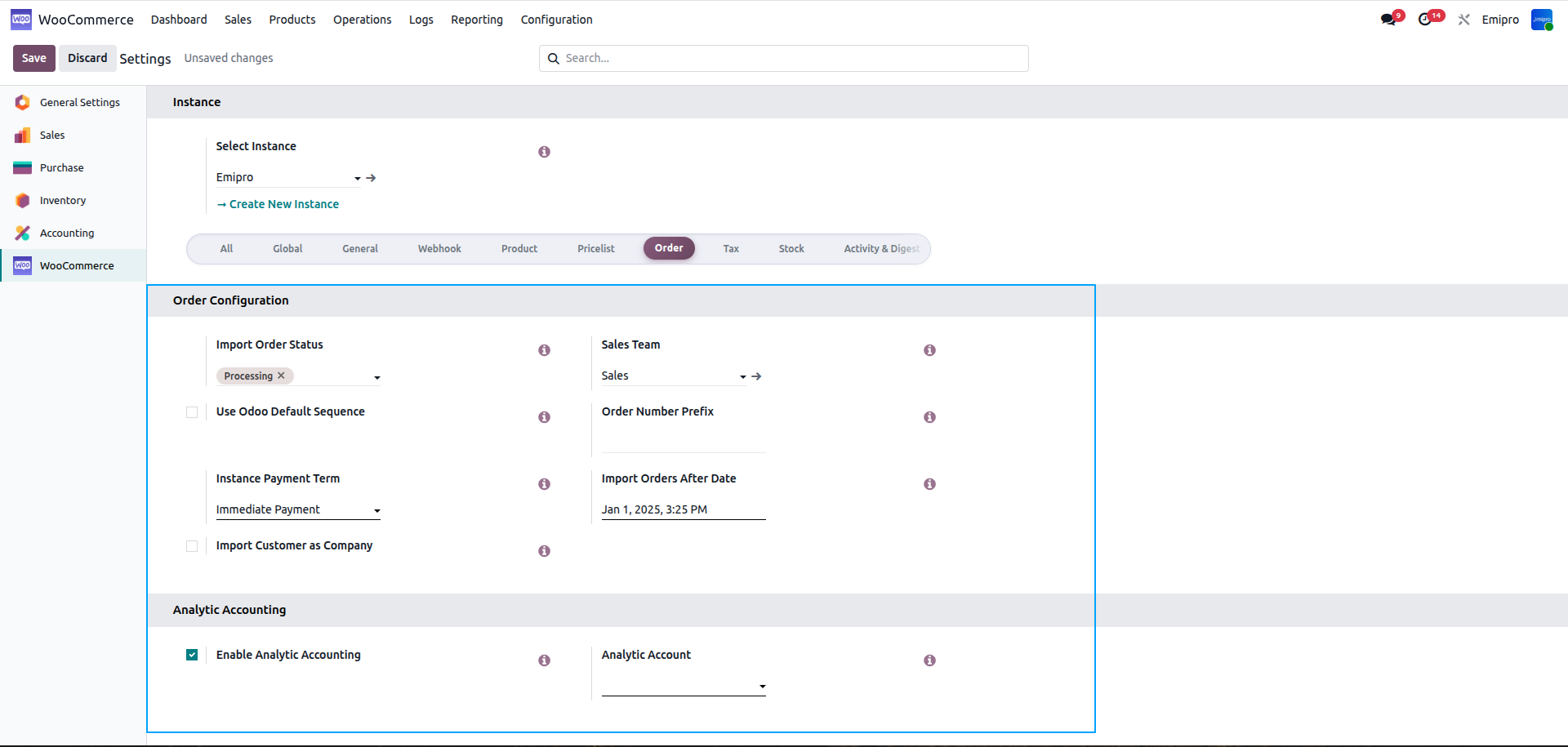
Import Order Status:
- You need to select what type of orders you wish to import from WooCommerce store to Odoo.
- We have 3 options. You can either import orders with Pending Payment, Processing or On Hold order status.
Use Odoo Default Sequence
- If you have activated this feature when you import the orders from WooCommerce store to Odoo.
- The order number will be followed as per default Odoo sequence. If you wish to use WooCommerce store order sequence you do not need to activate this feature.
Order Prefix:
- If you wish to add any prefix to the order you can mention it over here.
- When importing orders for this instance it will add a prefix to the order. This will only get implemented if you have deactivated “Use Odoo Default Sequence”.
Instance Price List:
- WooCommerce store provides two types of product price 1.Sale price and 2.Regular price
- You can select the pricelist you wish to use when importing the orders so that the price mentioned in the pricelist will be implemented in the products.
- During order sync operation, this price list will be set in the order if the order currency from store and the currency from the pricelist set here, matches.
- Whenever product import / export from WC store to Odoo or Odoo to WC store that time Regular price will be imported/exported using this price list.
Instance Payment Term:
- It regroups all the conditions under which a sale is completed and paid. If you have set the payment term to “ Immediate Payment”, it means full payment is due on the day of the invoice’s issuance.
- You can select payment terms based on your business needs.
Sales Team
- With help of this configuration you can set your sales team for the particular instance.
- When orders are imported from the WC store the system will set the sales team based on the configuration.
Import Order After Date
- This configuration is very useful for when you are going live in Odoo production with a specific date then you do not want to import orders before the specific date.
- Configure the specific date for the importing the order , the system does not import the order before the configured date.
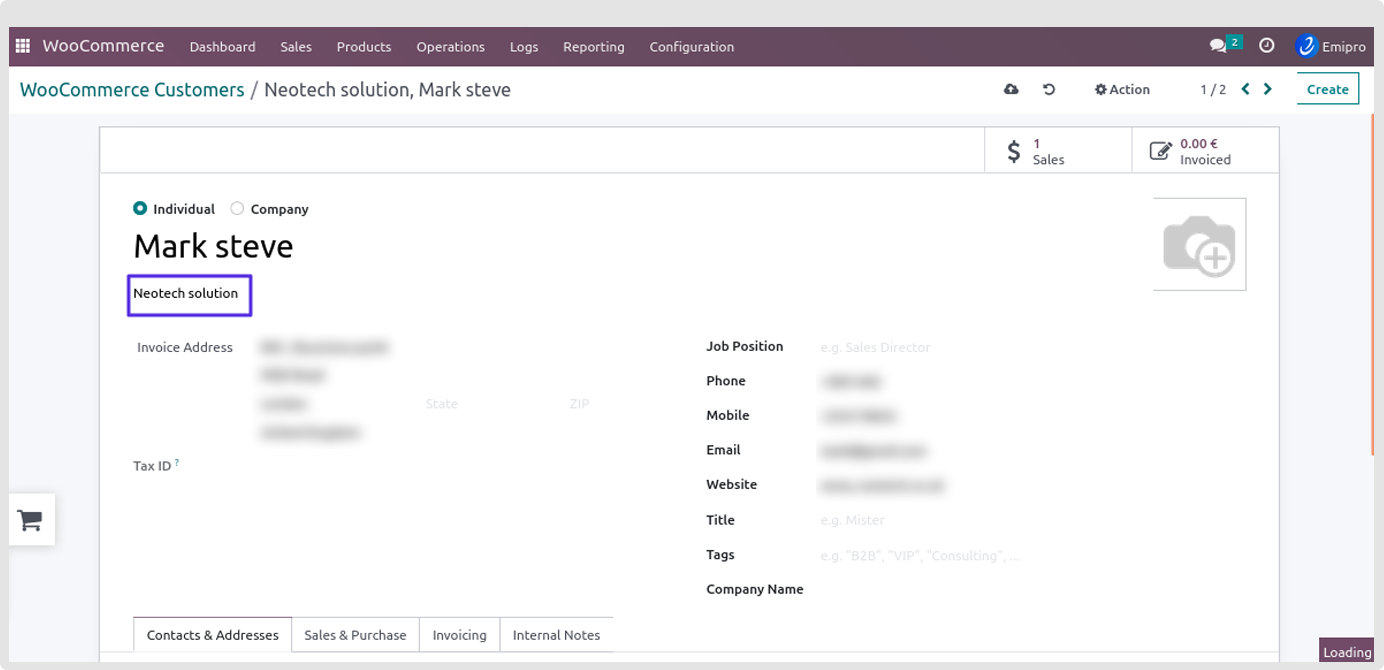
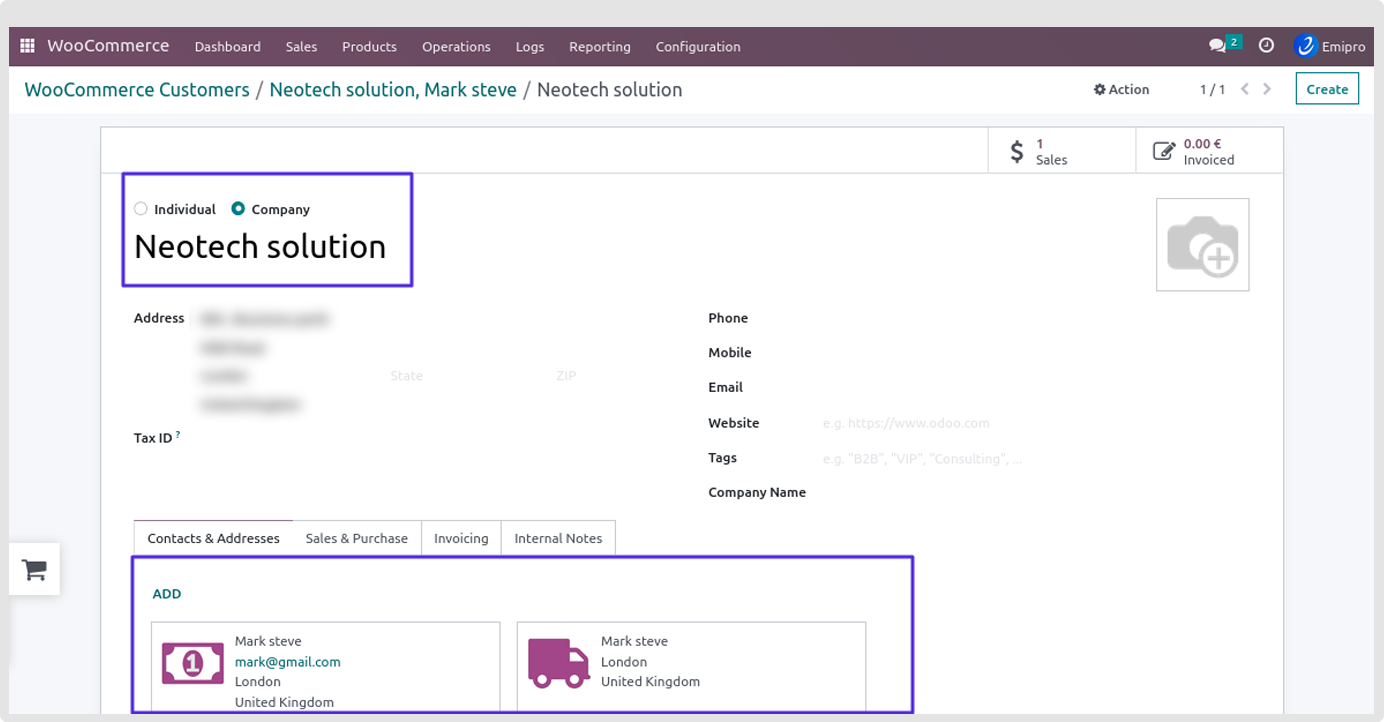
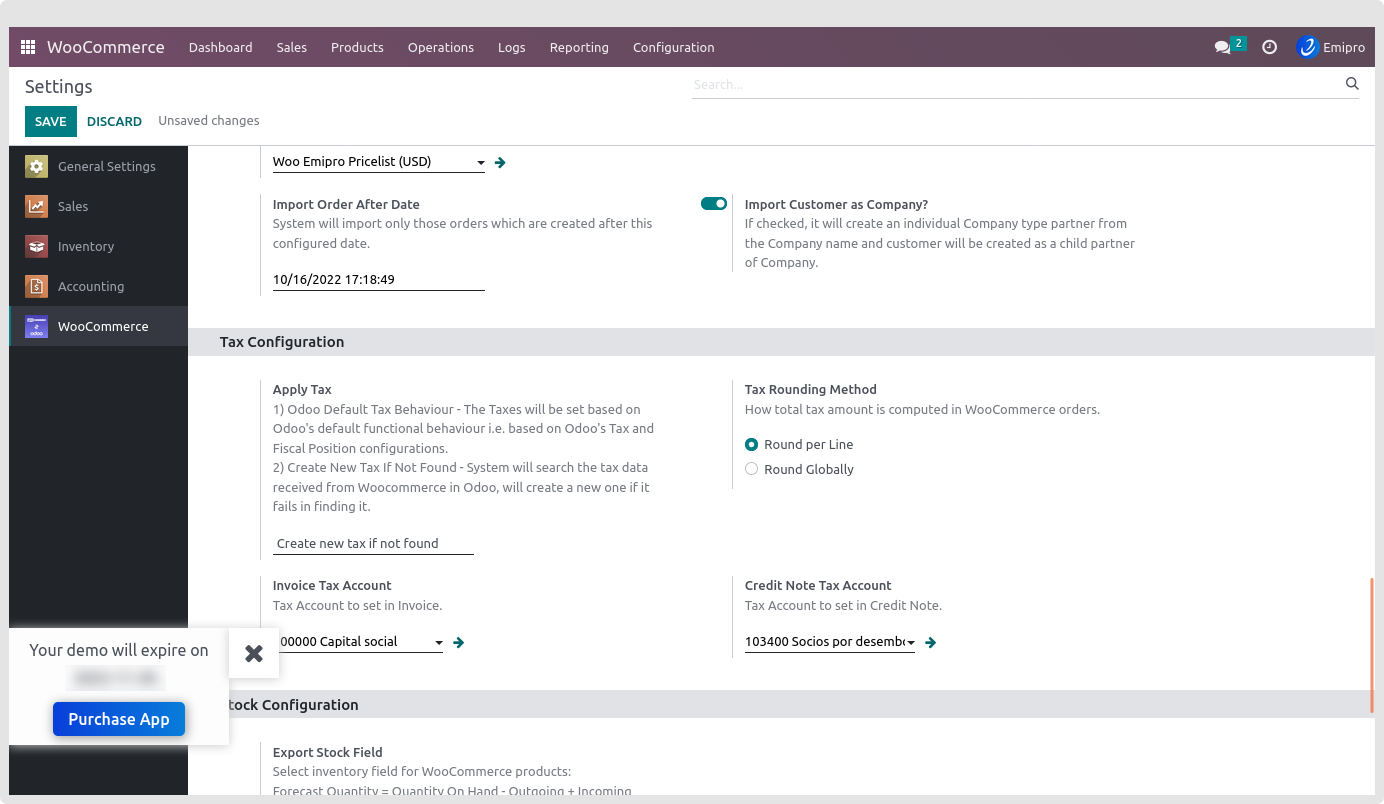
Import Customer as Company
- In this version we introduce the new feature for auto crate partners as a company.
- When the company name is mentioned in the WC store with individual customer for billing address or shipping address.
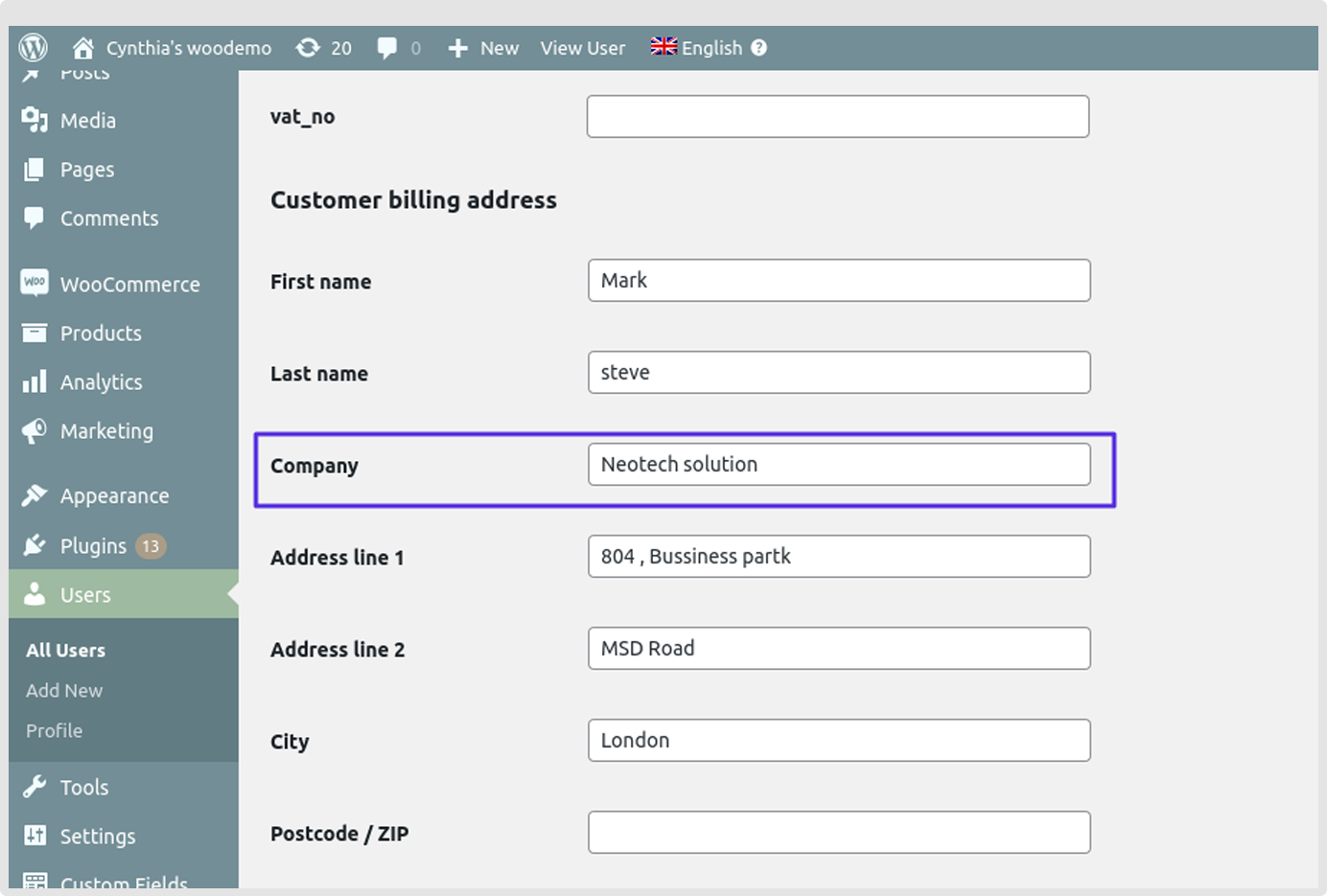
- Importing the customer with this configuration is enabled, the system will create an individual company type partner from the company name and the customer will be created as a child partner of the Company.
- In this case Odoo will create separate company and set the invoice address as per the child partner (customer)