Stock Configuration
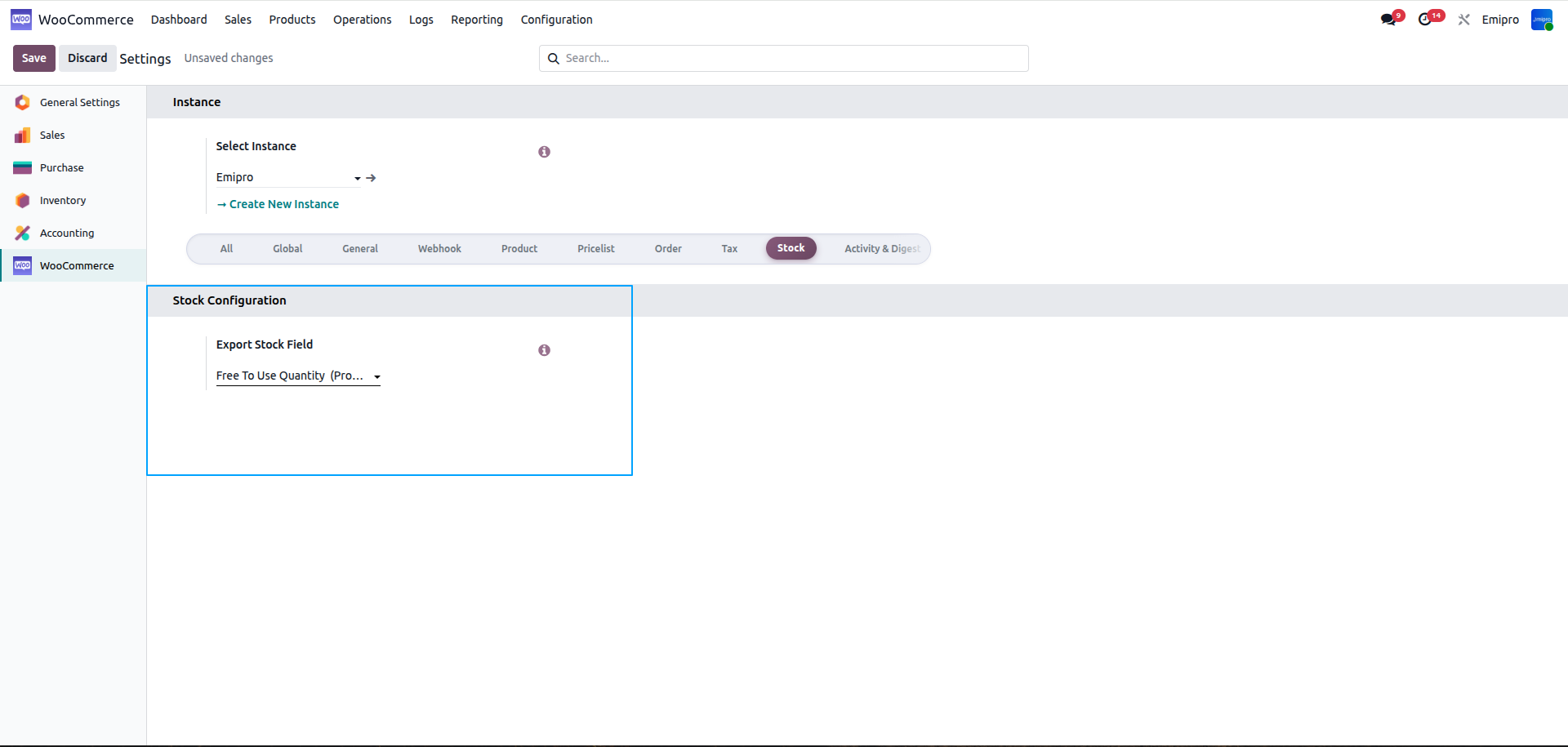
- You can choose the option which you want to export stock Odoo to the WC store.
- Here you can select the Free to use quantity and another is forecasted qty
Free To Use Quantity = Quantity On Hand - Reserved quantity
- Quantity on Hand means the quantity of product available at product.
- Reserved quantity means the quantity reserved in the sales orders.
- After deducting both this quantity, the final figure of quantity will be exported from odoo to WooCommerce Store.
Forecast Quantity = Quantity On Hand - Outgoing + Incoming
- Quantity On hand: The quantity of product.
- Outgoing quantity: Less the quantity that will be used in order to fulfill the orders.
- Incoming: Add the quantity that will be added in the product as per the purchase or replenishment operation.