Product
At main dashoboard of Woo Commerce Connector you will ind an option of products. In involves various oprtions related to products such as Products, Product variants, Prodcut Categoury, Product Attributes, Product Attribute Terms, Prodcut Tags, product Coupons.
- Product options provide information about the Products that are served by your business at Woo Commerce store.
- Whene we import products from WC Store to Odoo or we export product from Odoo to WC Store, at that time products will be available at this layer.
- From this layer the products gets imported, exported and update.
- So that it is a layer between Woo Commerce Store and Odoo, which creates a connection between the Woo Commerce Store and Odoo.
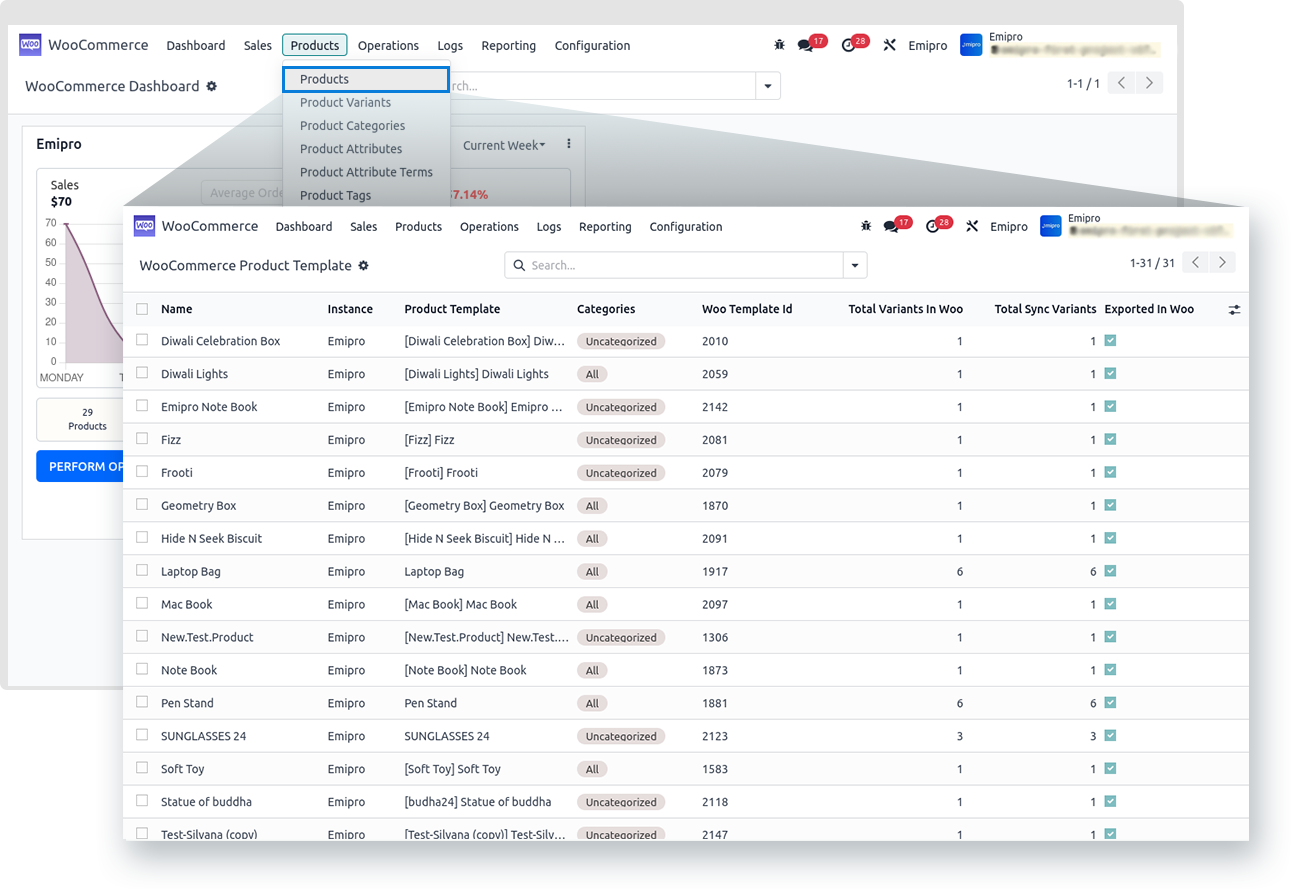
- Navigate to WooCommerce–>Products–> Products.
- Product layer provide information about the Name of product, instance, Product Template, Categories, Woo Template, Total variant in Woo, Total sync variant, exported in Woo.
Note:
In case of MTO or Dropship businesses, if the product is not aviable at the layer but the product is available in the odoo then it is possible to process the orders. So it is not mandatory to have a product at Woo Commerce layer, but it should be availble in odoo.
Click on the any products it will provide the information about the Woo Commerce Store.
Once you opened the product it will provide the information about:
- WooCommerce Info
- Variants
- Images
WooCommerce Info
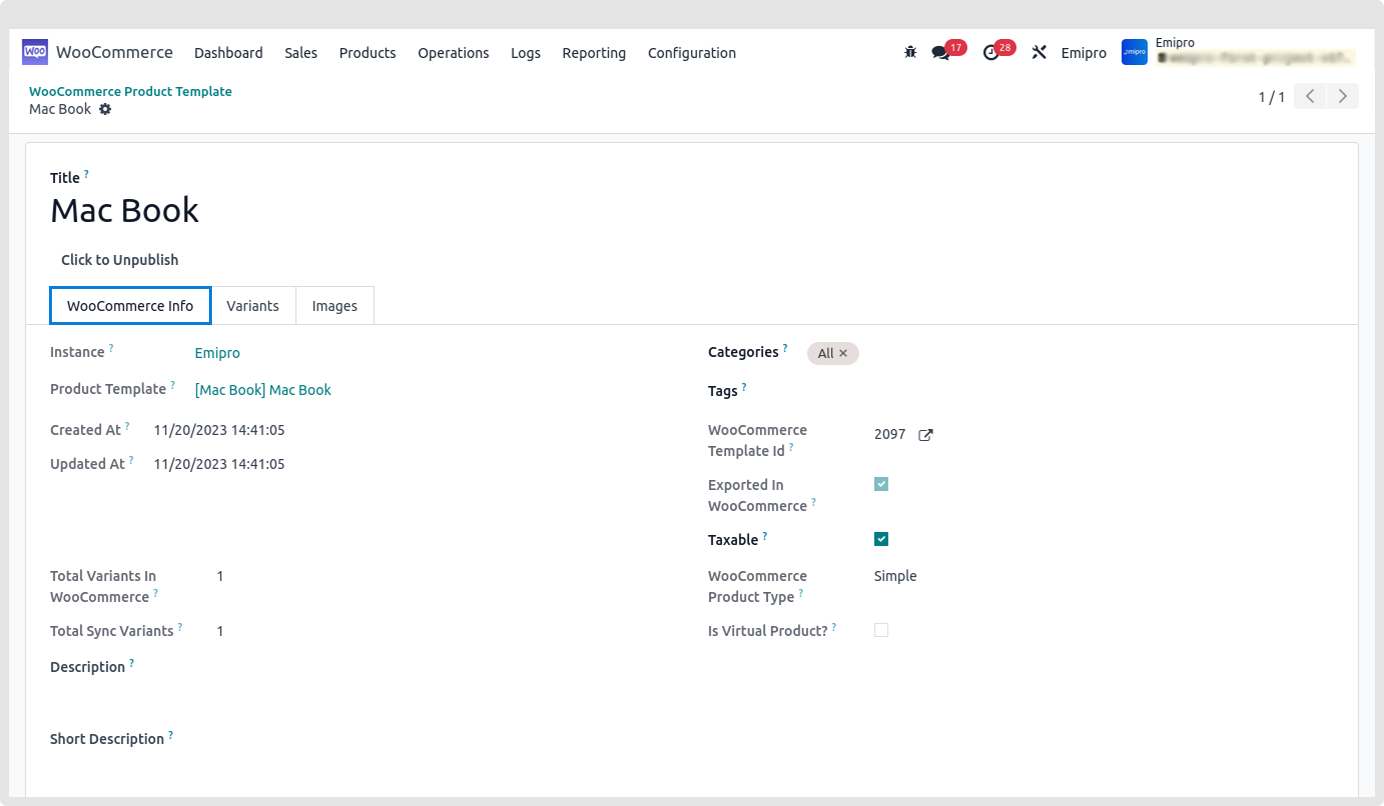
It will provides the below mentioned details:
- Instance
- Product Template
- Created At
- Updated At
- Total Variants in Woocommerce
- Total sync Variants
- Description
- Short Description
- Categories
- Tags
- WooCommerce Template Id
- Exported in WooCommerce
- Taxable
- WooCommerce Product Type
- Is virtual product?
Variant
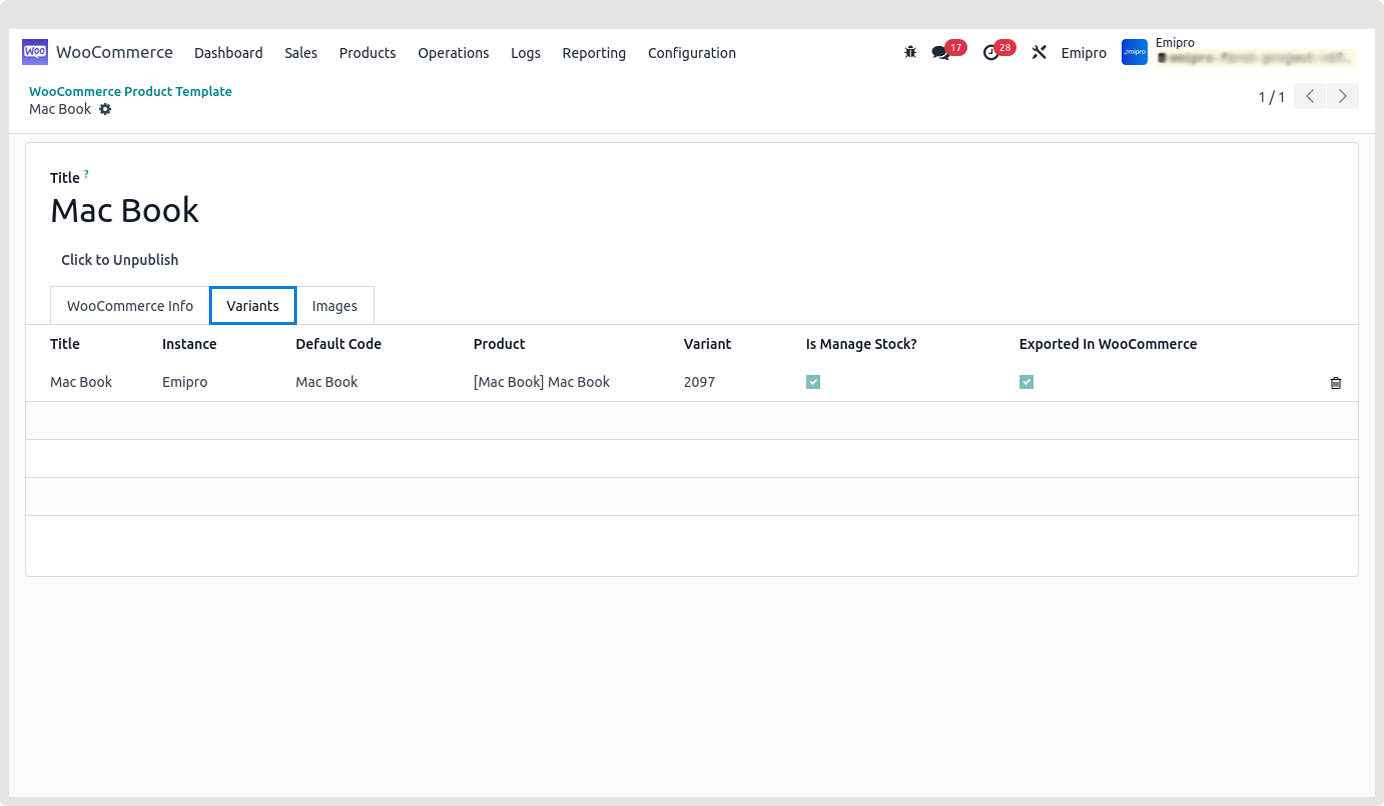
It will provides the below mentioned details:
- Title
- Instance
- Default code
- Product
- Variant
- Is manage Stock
- Exported in WooCommerce
Image
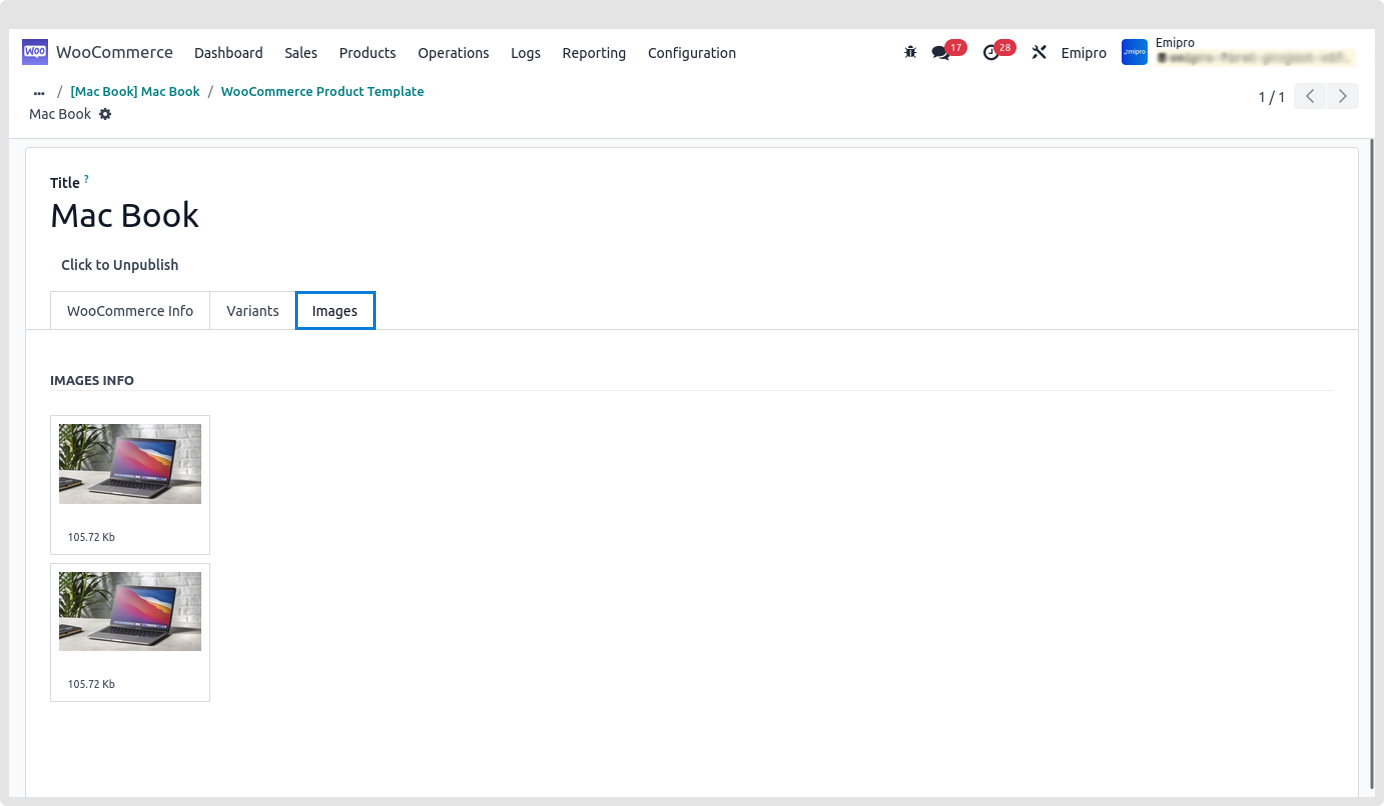
It will provide the images of products.
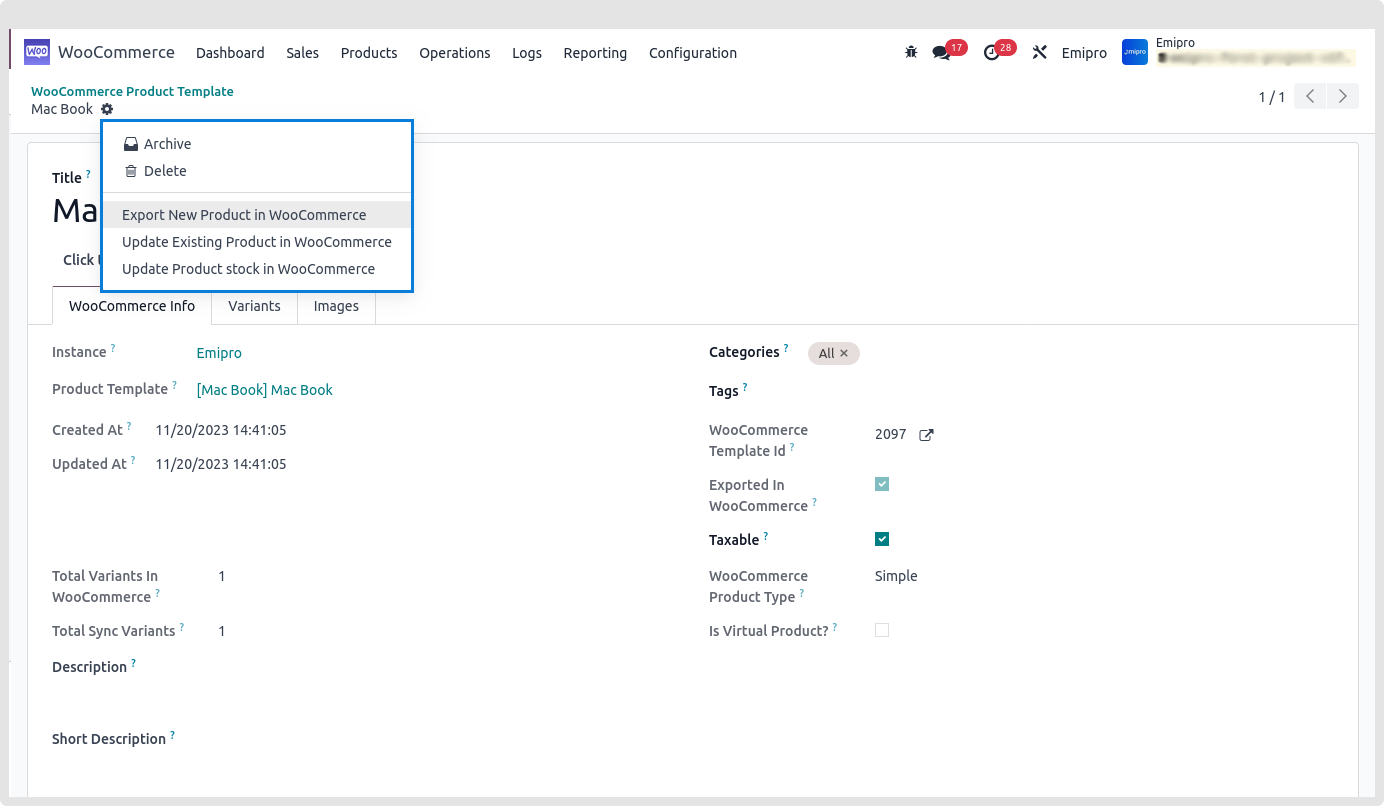
Additional Option