Price List Configuration
In order to export the price of products from WooCommerce Connector to WooCommerce Store, it is necessary to configure the separate price list for WooCommerce otherwise the correct price will not be exported at Woo Store.
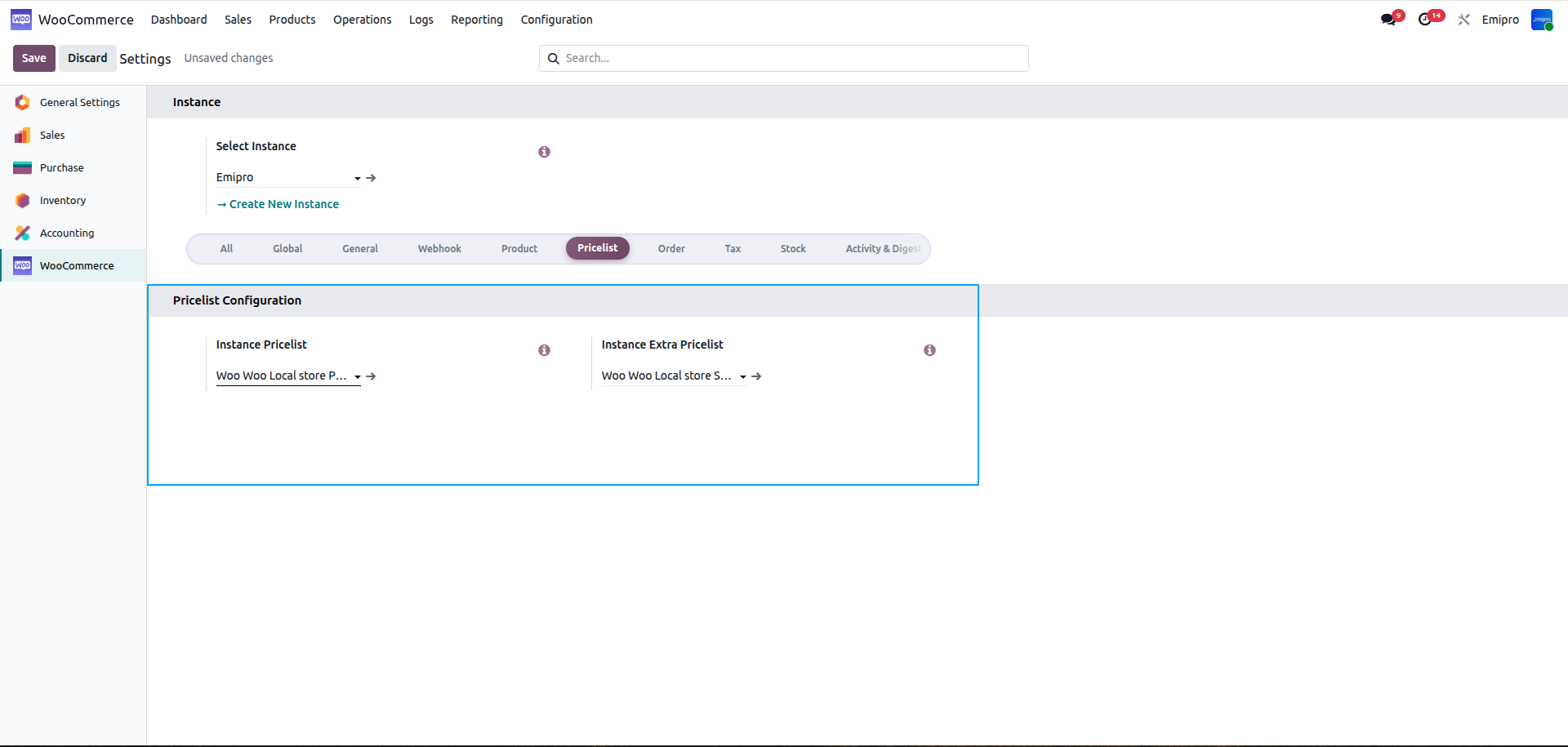
Instance Price List:
- When performing a product sync operation, prices will be imported/exported using this Pricelist.
- When importing the orders from Woo-commerce, this price list will be assigned to the order if the currency of the store matches the currency set in the price list here.
Instance Extra Price List:
The product Woo-commerce sales prices can be managed through this price list when importing/exporting products between Odoo and Woo-commerce.
- Whenever product import / export from WC store to Odoo or Odoo to WC store that time sale price will be imported/exported using this priceilist.
- After importing the price you need to go Sales > Products > Price List.
Price Configuration at Woo Commerce Store:
- Regular price: It is used for setting the regular price or general price that we want to offer every customer.
- Sale Price: It is the discounted price used in order to provide the discounts to customers.